Search that gets
what you mean.

Customers type barbecue, bbq, ash tray or a misspelled accessories. Nomad Fire solves that with search with synonyms: the search knows those words and finds the right product, even when the shop calls it something else.
Website & webshop

Case Nomad Fire Co. · Search

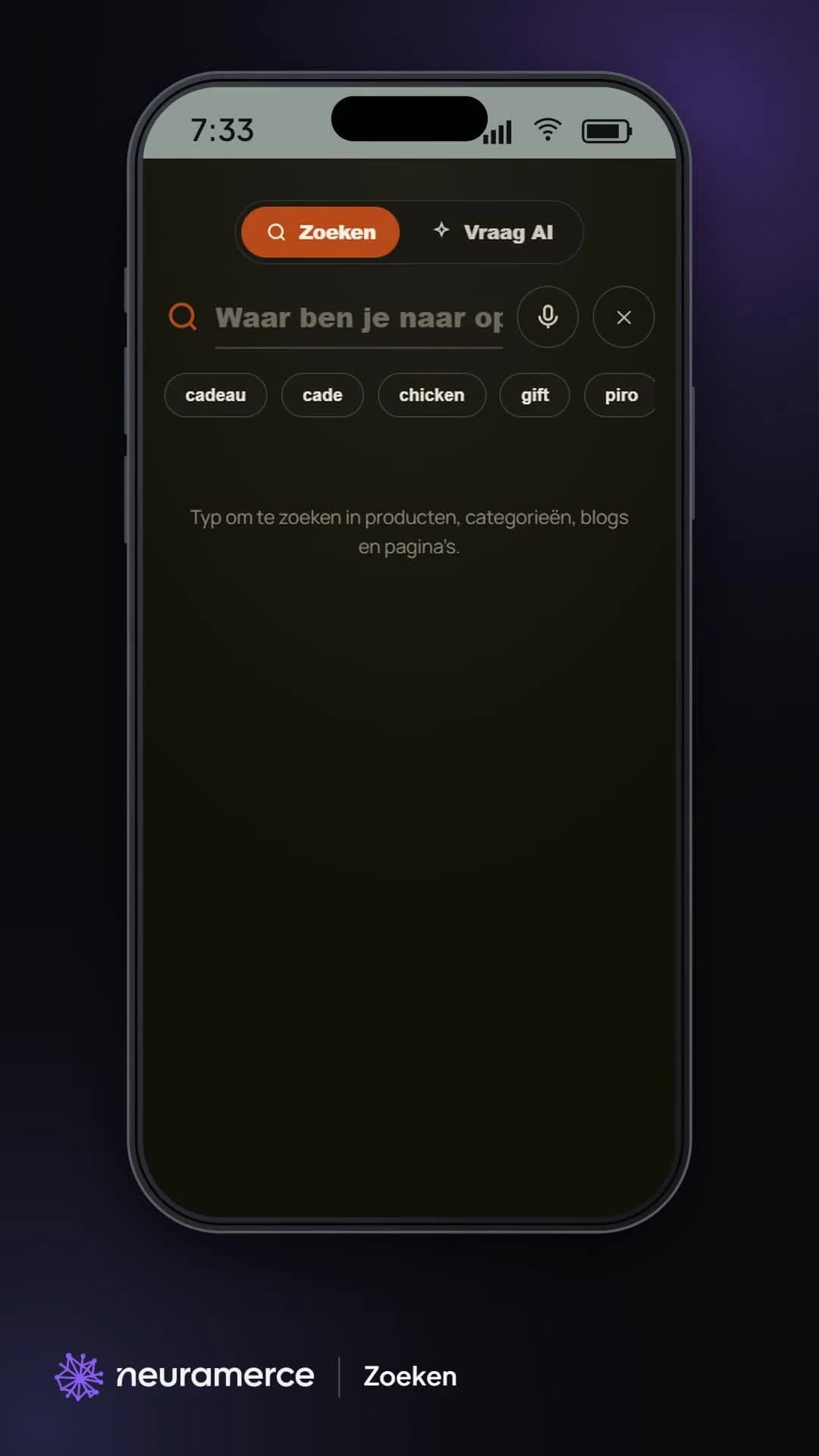
The Nomad Fire search screen on mobile, with search, Ask AI and voice input
The problem

No results is a missed sale.

In the shop it's called an ash drawer. The customer searches for ash tray. A regular search finds nothing, and the customer thinks you don't sell it. The same goes for barbecue versus bbq, or accessories with a typo.

So we look at what visitors actually type, and especially at searches with no results. Every word that turns up there gets a synonym or a correction.

Search the way your customer talks, not the way your catalogue is named.
How it works

From search term to product.

Synonyms

Barbecue finds bbq, charcoal finds houtskool, ash tray finds the ash drawer and spit finds the rotisserie. Even when the word appears nowhere in the product name.

Typos caught

Common typos of accessories still land on the accessories. They come from the log of searches with no results.

The same words in the chat

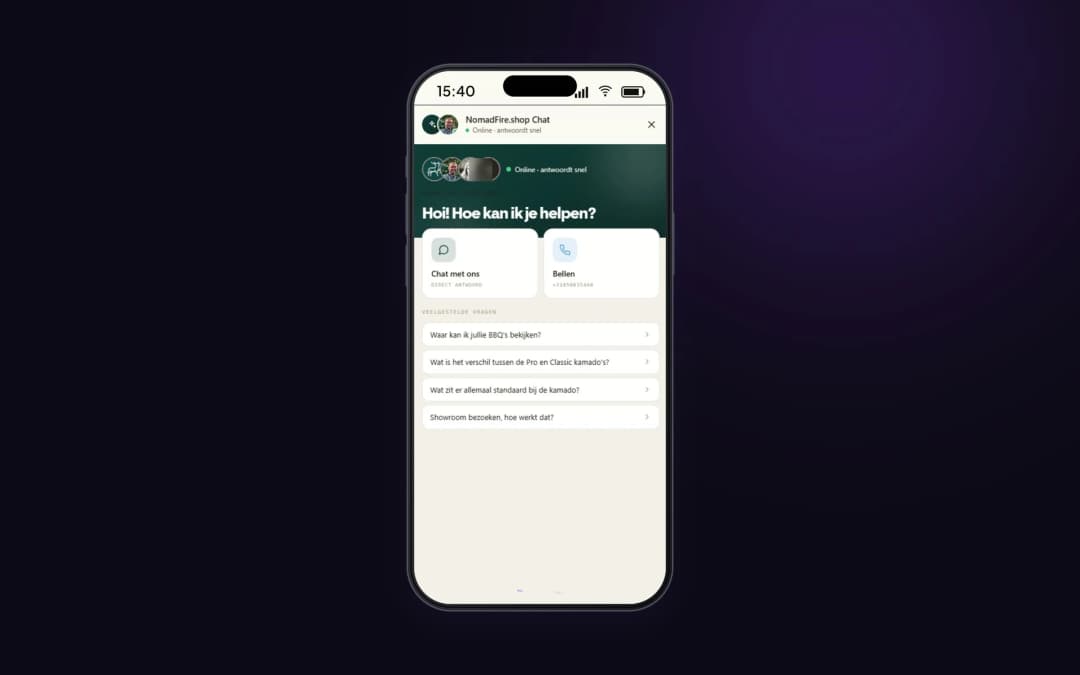
The chatbot uses the same synonyms. Ask the chat for an ash tray and you see the right product.

More than products

One search box covers products, categories, blogs and pages.

Ask AI

Besides a regular search, visitors can ask their question in plain language, for example which kamado suits a family of five.

Search by voice

On mobile, visitors can speak their search instead of typing it.
In pictures

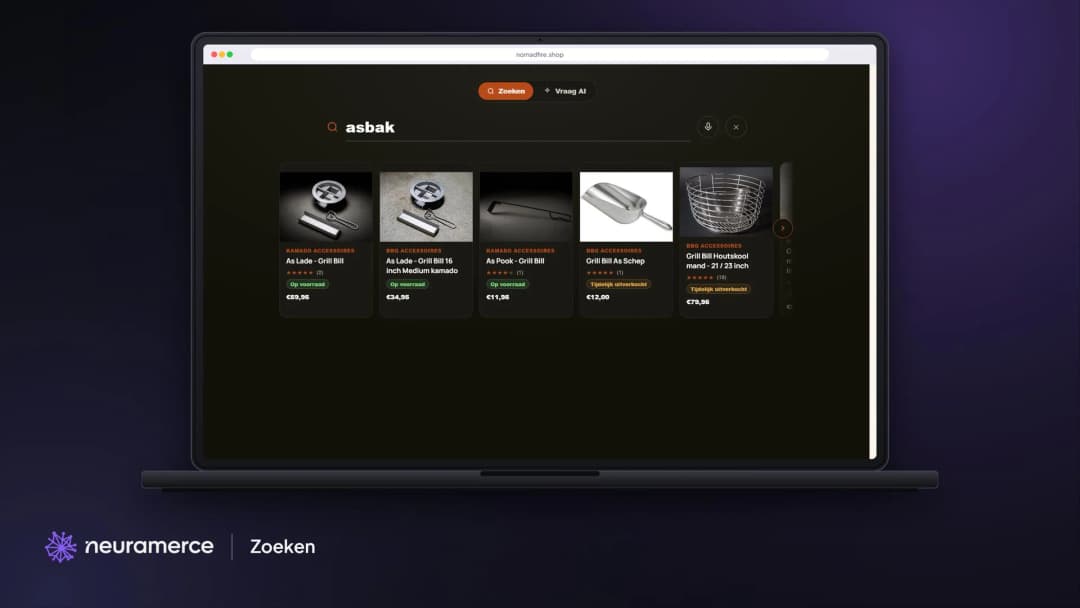
Type asbak, find the As Lade.

Search on desktop
Search on desktop
Searching for asbak (Dutch for ash tray) instantly shows Grill Bill's As Lade ash drawers, even though that word appears nowhere in the product name.
The same words in the chat
The chatbot uses the same synonyms as the search, so a question in the chat ends up at the same product.
Why this way

An empty search page is a customer who thinks you don't have it.

A product name is written by the supplier, a search by the customer. Those two often differ: the supplier calls it an ash drawer, the customer searches for ash tray. Without synonyms the search returns nothing, and the customer assumes the shop doesn't sell it.

Neuramerce keeps track of which searches return no results. That list is the to-do list: every word that shows up there often gets a synonym or a correction. That is how typos of accessories were added, words a regular search doesn't recognise.

Search runs in our own database, with full-text search and the same synonym list the chat uses. There is no separate search service with an extra script, and an improvement to the synonyms applies to the search bar and the chat at once.

The customer picks the word, the shop finds the product.

The module behind it

Search with synonyms is part of the webshop module.

Synonyms, searches without a result and the search analytics in this case come standard with the Neuramerce webshop module.

FAQ

Frequently asked questions about search with synonyms

The search knows several words for the same product. Typing barbecue also finds bbq, and searching for ash tray finds the ash drawer, even when that word isn't in the product name.
Common typos, such as misspellings of accessories, point to the right word. They come from the list of searches that previously returned no results.
No. One search box covers products, categories, blogs and pages. Visitors can also ask their question in plain language through Ask AI, or speak it on mobile.
Yes. The chatbot uses the same list as the search, so a question in the chat ends up at the same product.

A search that understands your customer?

We show you how search, synonyms and the chatbot work together on a real webshop.
View pricing