
Every image findable.
Every time.
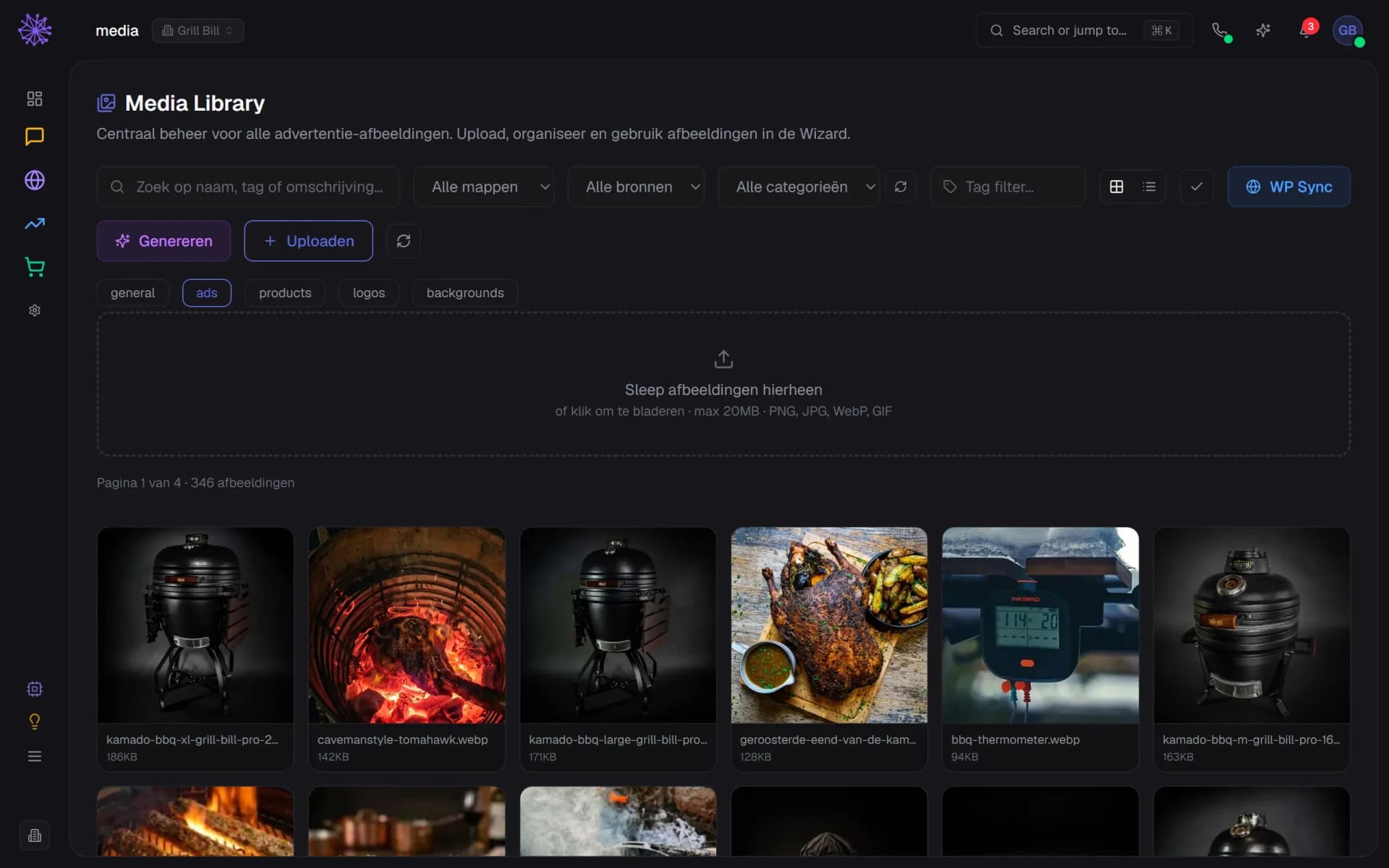
One library for product photos, videos and campaign material — tagged automatically, with usage rights and the right formats per channel.
Replaces shared Dropbox folders and standalone DAM tools, among others


What's included
Never again "where is that photo?"
Tagged automatically
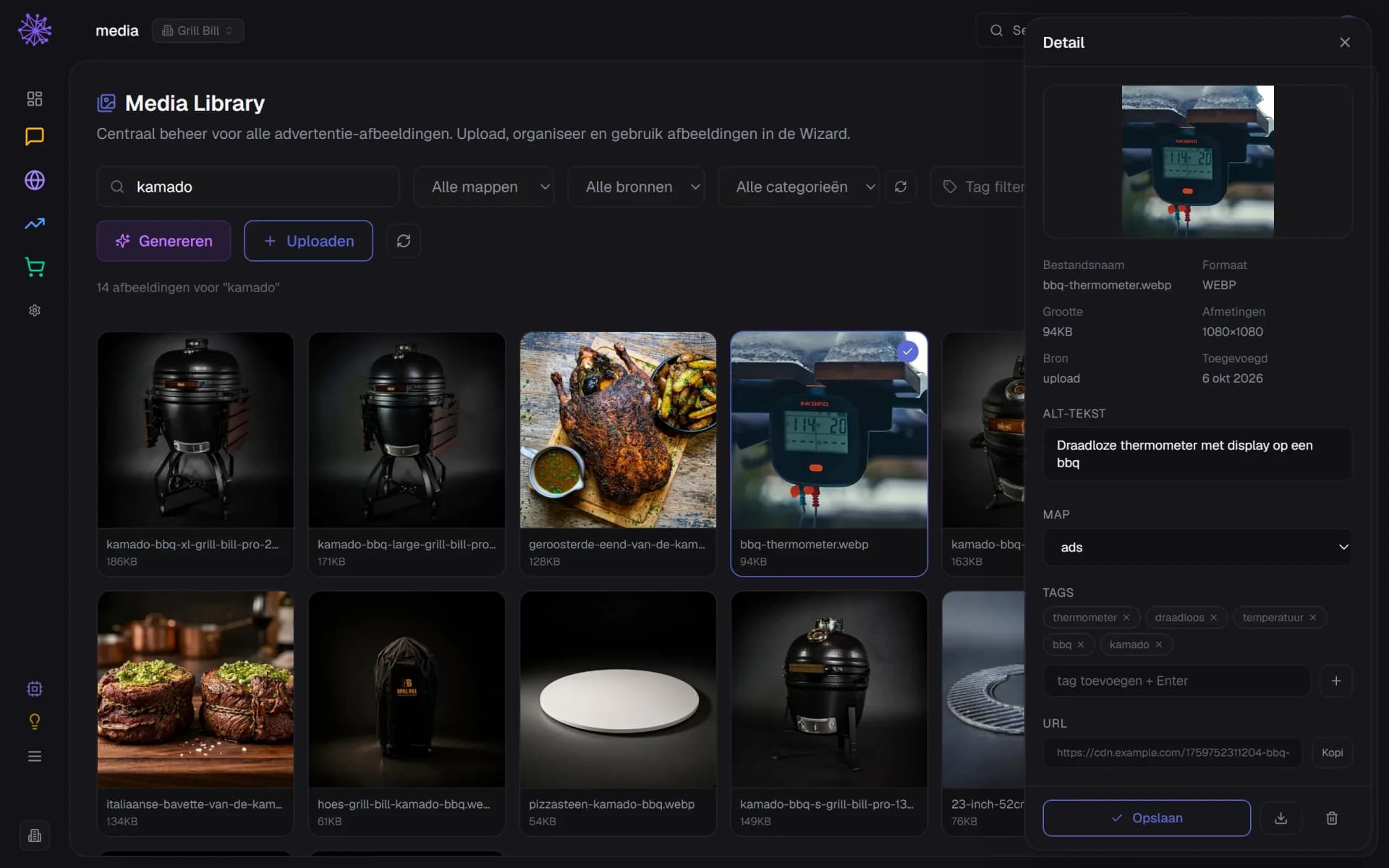
Neura AI recognises products, colours and mood in your images — searching for "bbq sunset" just works.
- Search by name, tag or description
- AI adds tags to every upload
- AI alt text you can edit
Rights & licences
Expiry dates and usage terms per asset. A warning before a licence runs out.
- Folders: general, ads, products and more
- Source per image: upload, WordPress or generated
- Filter by tag or category
Formats per channel
One original, automatically the right crops for Instagram, Meta Ads and your webshop.
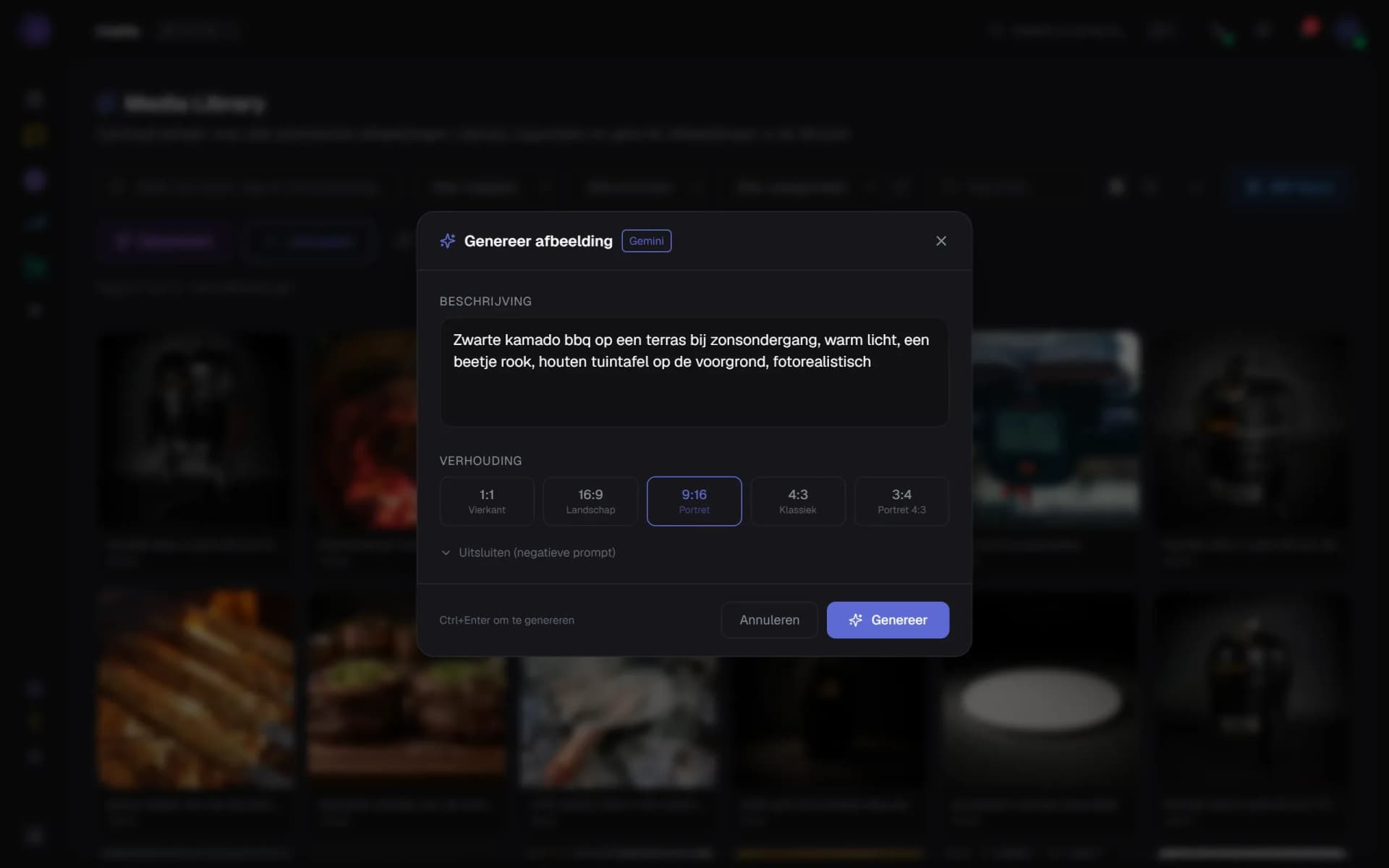
- Describe the image you need
- Pick a ratio: 1:1, 16:9, 9:16 and more
- Gemini creates the image and saves it here
Version history
Every edit kept. Back to the original with one click.
- Save changes to tags and alt text
- Download the file as stored
- Copy the URL to use it elsewhere
Share with outsiders
Photographers and freelancers upload straight into the right folder, without account hassle.
- Choose the folder the image goes to
- Drag files here or click to browse
- Upload and AI tagging in one step
Linked to products
Assets are attached to your products — new product photo? Updated everywhere automatically.
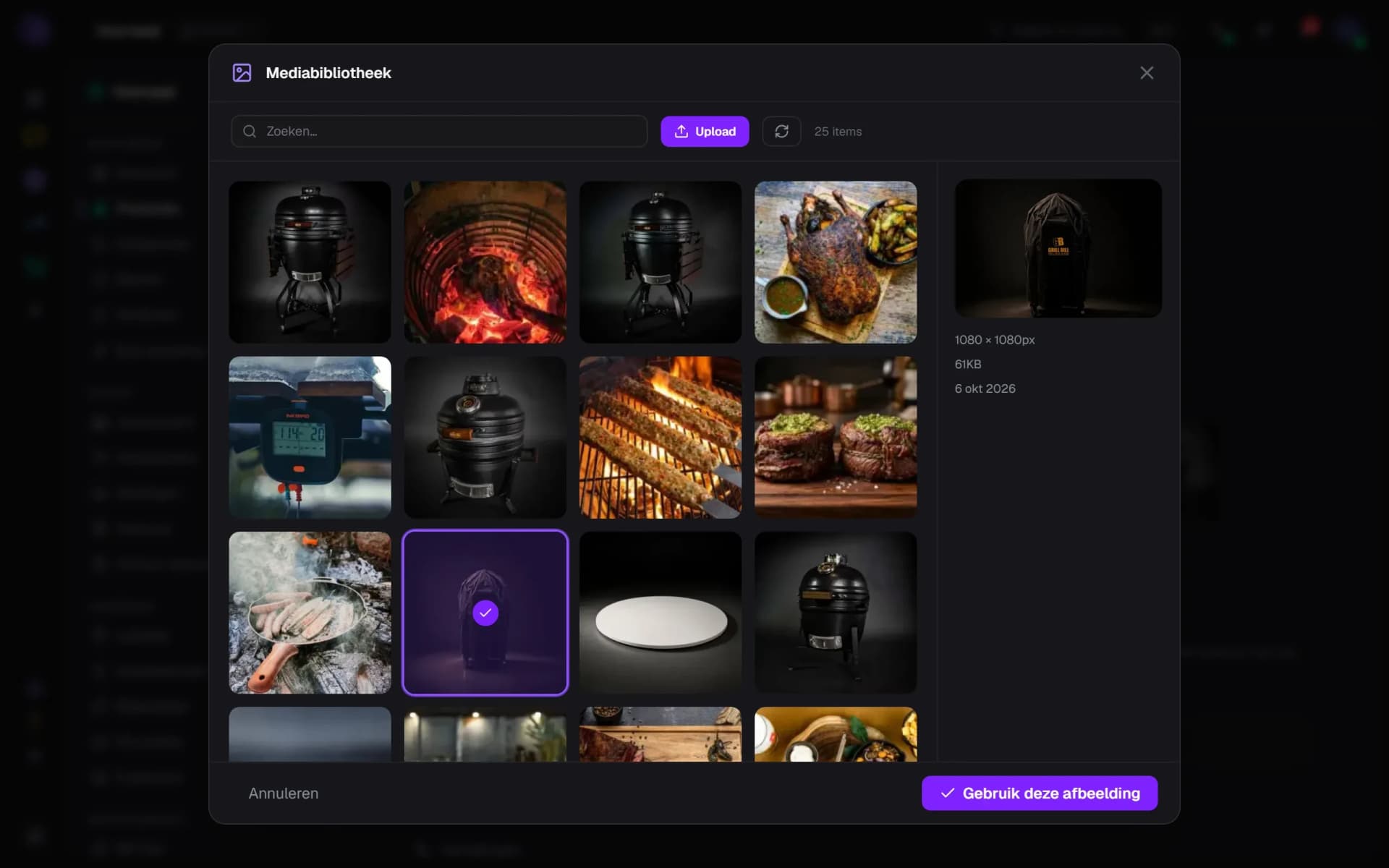
- The library opens from the product gallery
- Pick an image from your library
- One click adds it to the product
The source for all your other modules.
Every module that shows something — ads, social, your webshop — pulls imagery from this library. Right once, right everywhere.
- Website Builder — product photos and banners straight from the library, always optimised.
- Advertising — creatives with expired rights are flagged automatically.
- Social Media — plan with assets that are already in the right format.
Want to see how it works with your shop?
In 20 minutes we'll show you the module with your own shop as the example.
More in Reach & alongside