Spin it around.
Put it in your garden.

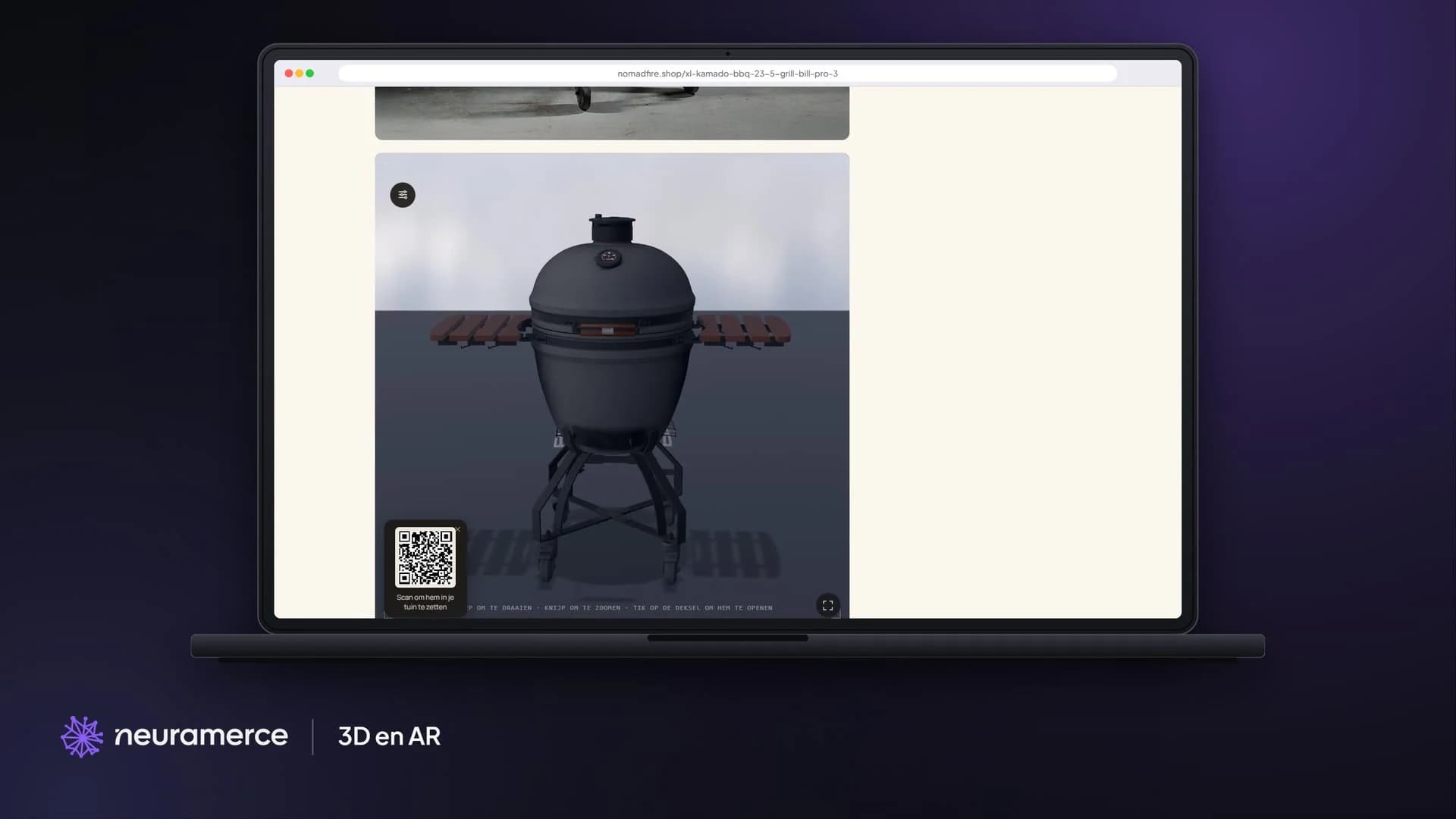
On nomadfire.shop you view a kamado or plancha in 3D and AR: rotate it, open the lid and fold in the side tables. With your phone you place it at real size in your own garden.
Website & webshop

Case Nomad Fire Co. · 3D and AR

The Grill Bill Pro III XL in the 3D viewer on nomadfire.shop, with a QR code to place it in your garden in AR
The problem

Will it fit on my patio?

A kamado is heavy and stays in the same spot for years. A photo doesn't show how big it is next to your garden furniture, or how much room the side tables take up. That doubt holds a purchase back, or ends in a return nobody wants.

So we made 3D models of the Nomad Fire kamados and planchas. Where there was no CAD file, we built the model from the factory drawing, and compared it with photos of the real product until the dimensions matched.

Show the customer the grill where it will actually stand.
How it works

From product photo to showroom.

Rotate and zoom

The model sits in the photo gallery on the product page. Drag to rotate, pinch to zoom.

Parts on and off

Lid open, side tables in or out, ash drawer out. On the planchas you see the difference with and without X-Flow.

AR in your own garden

On a phone you place the model at real size in your garden. On desktop you scan the QR code for that.

Real dimensions

Every model follows the dimensions of the factory drawing: grid, height and diameter match the product you buy.

Only loads when you look

As long as nobody clicks on 3D, the page only loads a small script. The model and the viewer only come after the click.

A model per variant

Solo or with a stand, Bronze, Black or Corten: every variant has its own model with the right colour and parts.
In pictures

See it from every side.

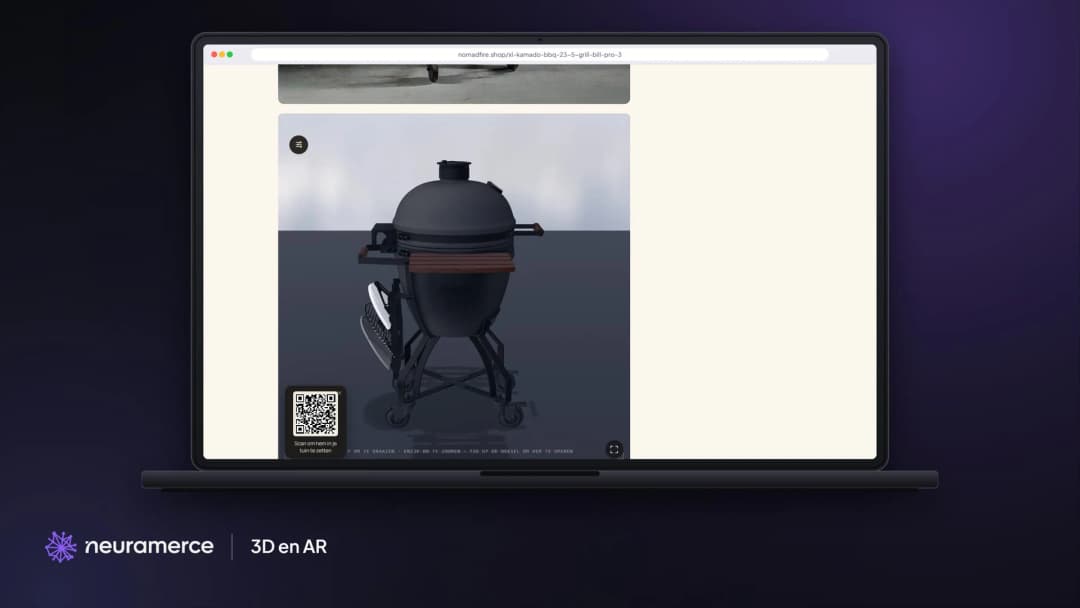
Side view in 3D
Side view in 3D
Dragging rotates the kamado, so you also see the stand, the handles and the side tables from the side.
In the photo gallery
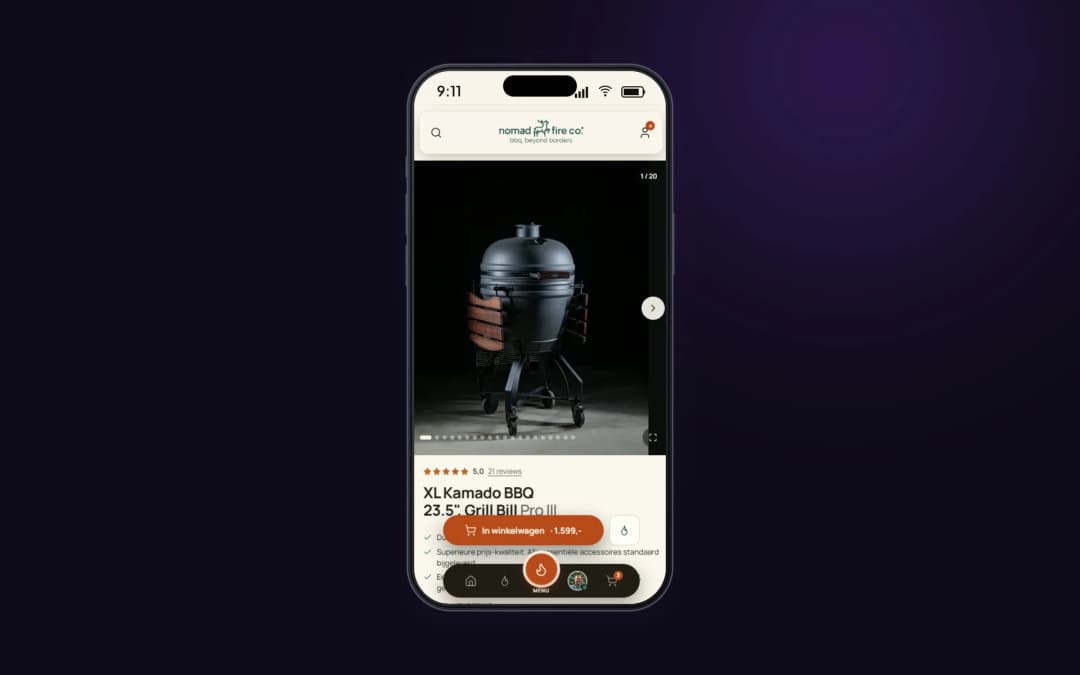
The 3D model sits in the same gallery as the product photos, so you don't have to look for it.
Why this way

A 3D model has to be right, or it does more harm than good.

A model that is just a few centimetres too small misleads a customer in AR: the kamado fits on the patio, until it is delivered. That is why we build every model on the factory dimensions and check it against photos of the real product. A part that is a few millimetres off, such as a vent slider, gets corrected before the model goes live.

A 3D file is large, and a product page has to be fast. That is why the viewer only loads when the visitor taps 3D. Until then it only costs the page a small script. The models themselves are compressed to a few megabytes, so they open smoothly on mobile too.

Every variant has its own model, because the differences matter to the customer. A Solo without a stand sits differently on a table than a kamado with a trolley, and a plancha in Corten looks different from one in Bronze. In AR you see exactly the version you buy.

Show the customer the grill where it will actually stand.

The module behind it

3D and AR are part of the webshop module.

The 3D view and full-size AR are part of the product pages in the Neuramerce webshop module.

FAQ

Frequently asked questions about 3D and AR in the webshop

Open the product page on your phone, tap 3D in the photo gallery and choose to place it in your garden. On desktop you scan the QR code with your phone for that.
Yes. Every model follows the factory dimensions of the product: grid, height and diameter. Where there was no CAD file, the model was built from the factory drawing and checked against photos.
No. The 3D viewer and the model only load when you tap 3D. Until then the page only loads a small script.
Yes. You can open the lid, fold the side tables in or out and pull out the ash drawer. On the planchas you see the difference with and without X-Flow.

Your products in 3D and AR too?

We show you how a 3D model gets onto your product page, even if you don't have a CAD file.
View pricing