
What is a headless CMS?
- Content and front end are separate and talk through an API.
- Well-known examples: Sanity, Strapi and Contentful.
- Strong when you have several channels, such as a website, an app and screens in a store.
- You always need a developer for the front end and for every change to it.
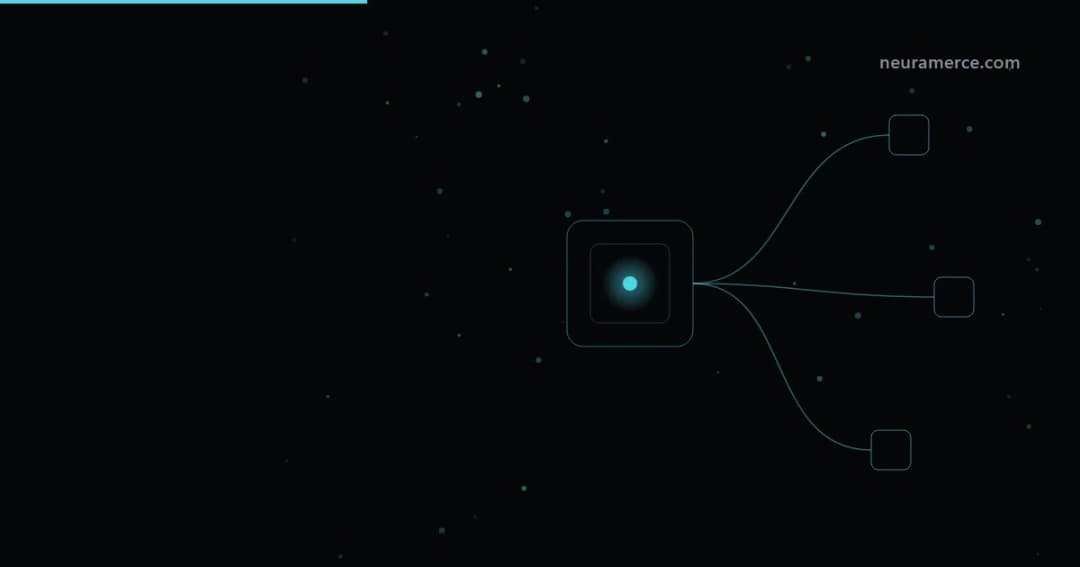
The name sounds like a horror film, but a headless CMS is actually a very sober idea. You take the head off your website, the front end the visitor sees, and keep only the body: the place where you manage content. That body then delivers its text and images to any front end that asks for them, whether that is a website, an app or the screen above the till.
Developers are enthusiastic about it, and rightly so. The question for most business owners, though, is not whether it is clever, but whether it is clever for them. In this article I explain how it works without the jargon, what the well-known systems do, and when you are better off staying away. If you want the bigger picture first, read what a CMS is or browse the overview of CMS platforms.
What exactly is a headless CMS?
In a traditional CMS such as WordPress, two things come in one package: the place where you enter content and the theme that shows that content on your site. You write a blog post, click publish, and WordPress builds the page itself. Handy, because everything sits together, and limiting at the same time, because your content is made to appear on that one site.
A headless CMS cuts the two apart. You enter content as separate building blocks, for example a title, a summary, a photo and a price, and the system stores them without knowing what they will look like later. A developer then builds a front end, often with a modern framework, that asks for those building blocks through an API and styles them itself. The same product description can appear on your website, in your app and in a newsletter, each time in a different form, while you only maintain it in one place.
That sounds like pure gain, and for the right organisation it is. The price is that nothing happens by itself. A new kind of page, an extra block or a different menu means work on the front end, and that front end belongs to the developer, not to you.
Traditional, headless or website builder side by side
| Feature | Traditional CMS | Headless CMS | Website builder |
|---|---|---|---|
| Examples | WordPress, Drupal, Joomla | Sanity, Strapi, Contentful | Wix, Squarespace, Webflow |
| Front end | Built in, through a theme | Built separately by a developer | Built in, through templates |
| Who changes the layout | You or your builder | Always a developer | You, in the editor |
| Multiple channels | Limited, mainly the website | Yes, that is the point | No, only the website |
| Preview for editors | Standard | Has to be set up | Standard |
| SEO settings | Through theme and plugins | The developer builds them into the front end | Built in, within the limits of the platform |
| Largest cost item | Plugin maintenance | Development hours for the front end | The subscription |
Sanity, Strapi and Contentful: three well-known examples
Sanity is popular with teams that want their content model tailored precisely. The editing environment, Sanity Studio, is itself open source and a developer can shape it entirely to their needs, while the content itself lives with Sanity in the cloud. That makes it flexible, but also something you really have to set up before an editor can get to work.
Strapi is open source and you can run it on your own server, which makes it attractive for anyone who wants to keep their data in their own hands. There is also a hosted version. Self-hosting does bring you back to the familiar chores: updates, backups and security, just as with a traditional CMS.
Contentful is a hosted service you often come across at larger organisations, with a lot of attention to roles, workflows and multiple languages. You do not have to install anything, but you do depend on their plans and limits.
I deliberately leave out prices here. They depend heavily on the number of users, the volume of content and the API calls, and with headless the subscription is rarely the biggest cost. That honour goes to the development hours for the front end. What those hours cost is covered in how much does a website cost.
When a headless CMS pays off
Headless earns its keep when three things are true at the same time. You publish the same content in more than one place, you have a developer or team that builds and keeps maintaining the front end, and you want a design or speed that a standard theme cannot deliver.
Think of a brand with a website, an app and screens in its stores, where product information has to be identical everywhere. Or a publisher sending articles to its site, a newsletter and a partner platform. There a single source of truth really saves time, and a developer is on the payroll anyway.
A lesser-known advantage is that you can replace the front end later without re-entering your content. Anyone who has ever migrated a site and spent three weeks copying text will understand why that is appealing.
When you are better off not doing it
If you have a company site or an online shop, you manage it yourself and you have no developer on call, headless is usually a detour. Every small wish, such as a new block on the homepage or a different form, becomes a ticket for someone else. That feels professional in the first month and like a queue by the sixth.
SEO also needs more attention than you might think. With a traditional CMS or a website builder, meta titles, redirects and a sitemap are usually just there. With headless the developer builds them into the front end, and what has not been built does not exist. If you are moving from an existing site, read keeping your SEO when switching CMS first.
If you mainly want to build quickly yourself, a website builder fits better; you can see the difference between the best known ones in Wix vs Squarespace and WordPress vs Webflow. And if you are still unsure which way to go, the questions in choosing a CMS: 6 things to check will help.
Where Neuramerce stands
To be clear: Neuramerce, the platform behind this site, is not a headless CMS. The front end is included, as are the online shop, stock and customer contact, so you can build and change pages without a developer. That is exactly the opposite of headless, and for an online shop that currently runs on a pile of plugins, it is usually the shorter route. If you do have your own development team and several channels to serve, a true headless system is an honest choice. For each system, the CMS overview shows where it does better.
Frequently asked questions
What does headless CMS mean?
What is the difference between a headless and a traditional CMS?
Which headless CMS systems are there?
Is a headless CMS good for SEO?
Do I need a developer for a headless CMS?
Is a headless CMS suitable for an online shop?
